Available Tools
Let your AI do the install.
Drop the setup guide PDF into Claude, Codex (ChatGPT), Gemini (CLI), or Copilot. Tell it which MCP you want and it walks you through the whole thing. No config files to memorize, no terminal commands to babysit. Manual snippets are still in the table below if you want them. All configs require uv installed on your machine; if you don't know what that means, give the PDF to your AI and it will handle it.
Compatible with
| MCP Server | Key | Description | Install |
|---|---|---|---|
| USASpending | No key | Federal contract and award data plus FFATA subawards, recipient profile/children, agency depth (sub-agencies, federal accounts, object classes, program activities), award detail rollups, transaction-level and geographic search, IDV depth, and Treasury federal accounts. 55 tools. Live-tested. | |
| GSA CALC+ | No key | Awarded NTE hourly rates from GSA MAS contracts (230K+ records). Labor category, education, experience, SIN, vendor search. 8 tools. Live-tested. | |
| BLS OEWS | Key required | Market wage data, ~830 occupations across 530+ metro areas. Mean/median and full percentile distributions. 7 tools. Live-tested. | |
| GSA Per Diem | Key required | Federal travel per diem for all CONUS. City/state/ZIP lookups, monthly lodging, M&IE, first/last day 75%. 6 tools. Live-tested. | |
| SAM.gov | Key required | Entity registration (UEI/CAGE), exclusions/debarment, opportunities, contract awards (FPDS replacement) with PIID lookups and mod histories, federal hierarchy for agency/code normalization, and FFATA subaward visibility (acquisition + assistance). 19 tools. Live-tested. | |
| eCFR | No key | Current CFR text updated daily. FAR / DFARS clause lookup, version comparison back to 2017, RFO deviations flagged. 13 tools. Live-tested. | |
| Federal Register | No key | All Federal Register documents since 1994. Proposed rules, final rules, notices, executive orders, FAR cases. 8 tools. Live-tested. | |
| Regulations.gov | Key required | Federal rulemaking dockets, proposed rules, public comments, docket histories across every agency. 8 tools. Live-tested. |
Claude Skill
Opus only
SOW/PWS Builder
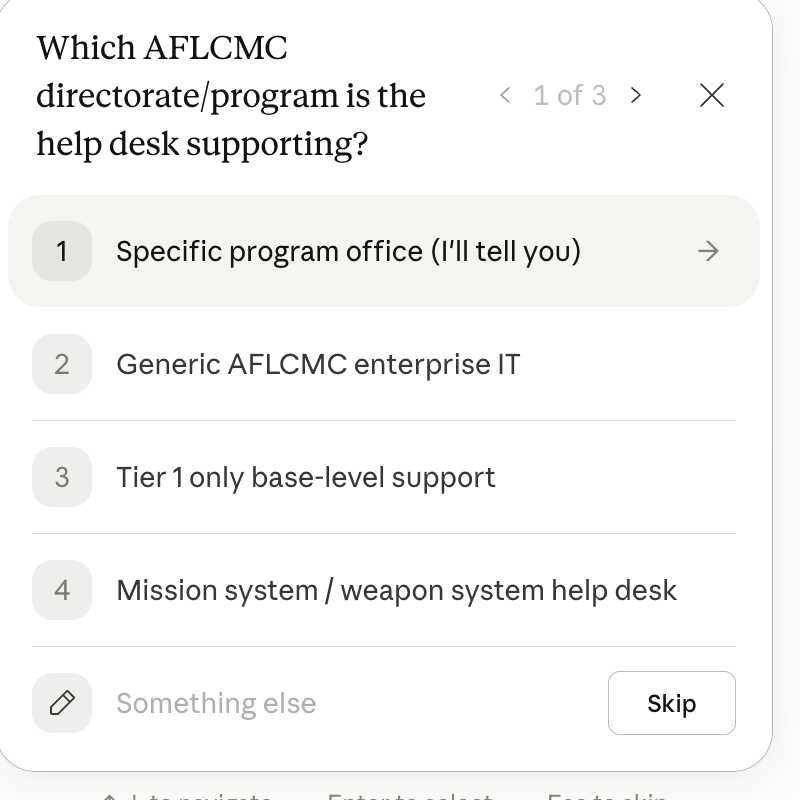
Built for Opus. Skills are still maturing as a format, with limits on length that force a lot of content into one file. Opus handles the density. On smaller models expect missed steps and wrong outputs.Contract-file-ready SOW or PWS .docx with a staffing handoff that feeds the IGCE Builder. FAR 37.102(d) compliant.
Claude Skill
Opus only
IGCE Builder Suite
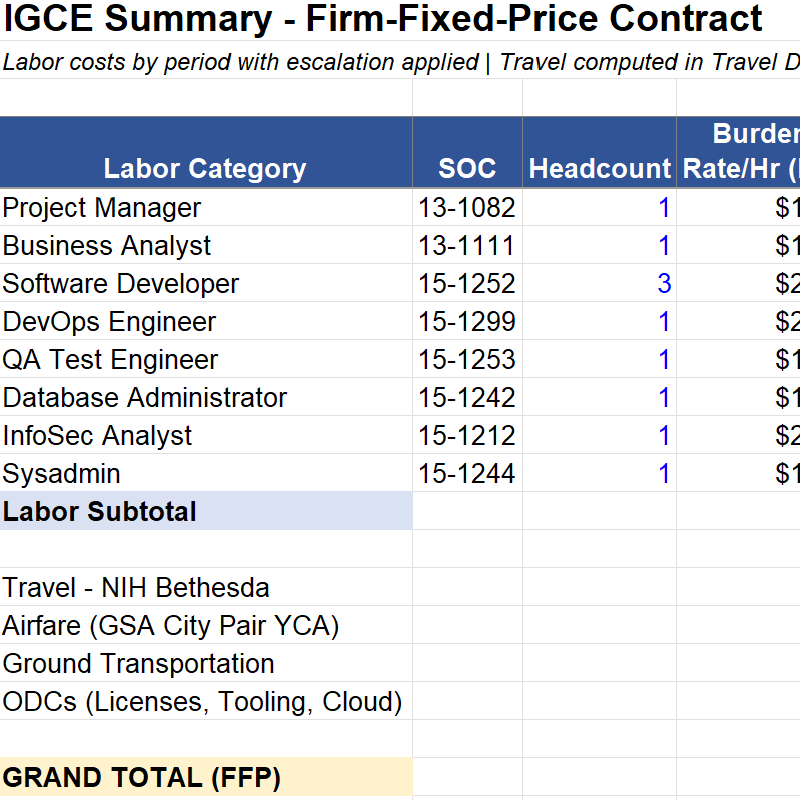
Built for Opus. Skills are still maturing as a format, with limits on length that force a lot of content into one file. Opus handles the density. On smaller models expect missed steps and wrong outputs.Three IGCE skills, one per FAR contract type. Same data sources (BLS OEWS, GSA CALC+, GSA Per Diem), different pricing math. Install the one you need, or all three.
Claude Skill
Opus only
OT Project Description Builder
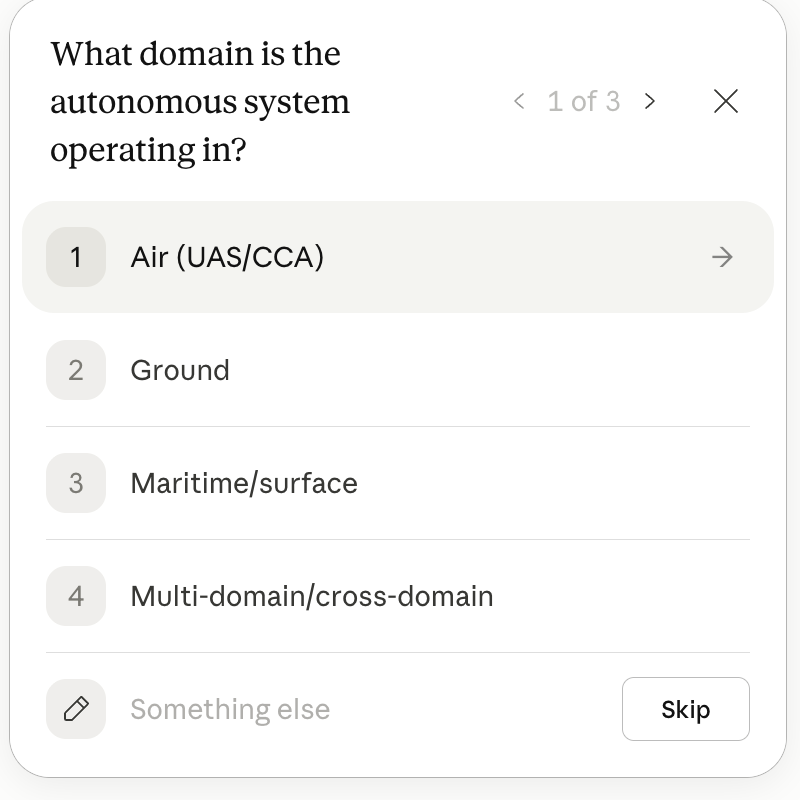
Built for Opus. Skills are still maturing as a format, with limits on length that force a lot of content into one file. Opus handles the density. On smaller models expect missed steps and wrong outputs.Milestone-based scope for prototype OTs under 10 USC 4021/4022. TRL phases and go/no-go gates instead of CLINs.
Claude Skill
Opus only
OT Cost Analysis
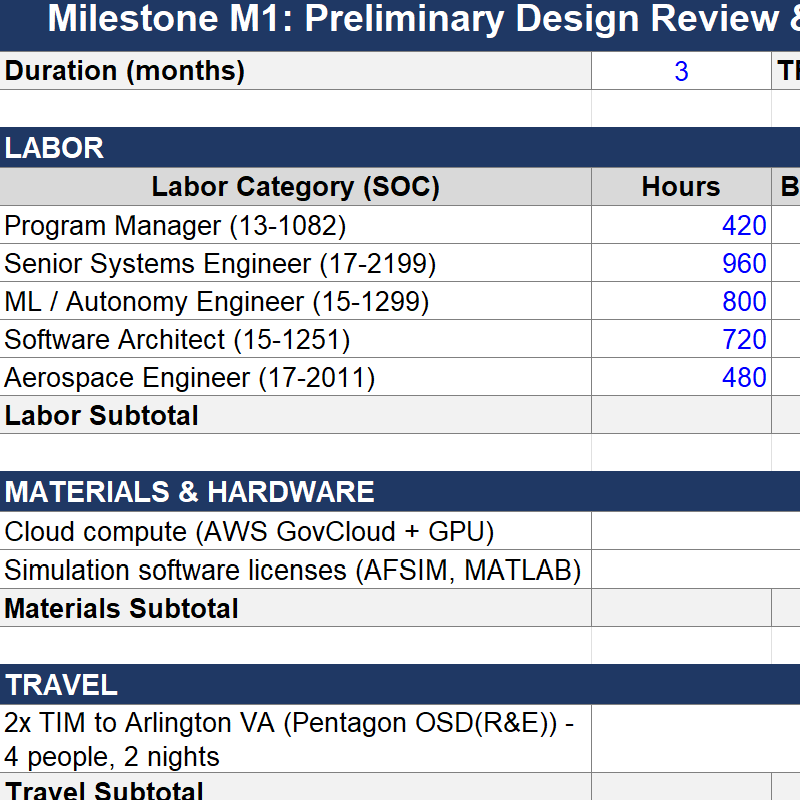
Built for Opus. Skills are still maturing as a format, with limits on length that force a lot of content into one file. Opus handles the density. On smaller models expect missed steps and wrong outputs.Should-cost and price reasonableness for OT agreements. Milestone pricing, cost-sharing per 10 USC 4022(d), formula-driven .xlsx.
How-to
How to install a skill
Click Download skill on any card. Then in Claude Desktop or Web:
- Open Customize
- Click Skills
- Click the + sign
- Click Create skill
- Choose Upload a skill
- Drag and drop the
.zipfile into the window